
How to Change Your Username
Change your ChessBit username from account settings — once every 14 days, 6–16 characters.
Updated 2026-10-111 min readChessBit Support
Changing Your Username
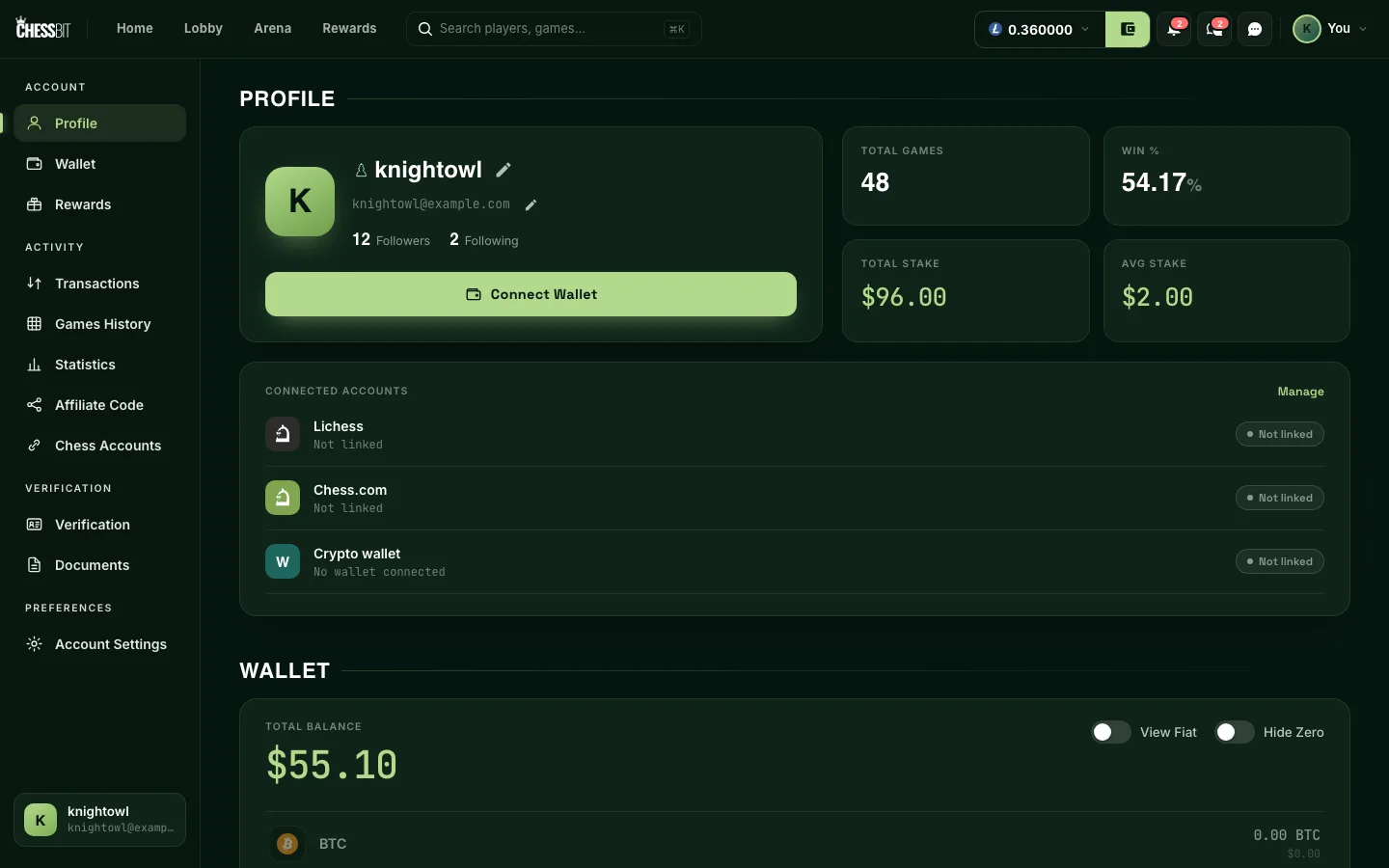
- Open the profile menu (your avatar, top right) → Profile.
- Press the pencil icon next to your username.
- Type the new name and save. The change applies immediately across the lobby, leaderboards and chat.
The Rules
- 6–16 characters, using letters, numbers, underscores (
_), dots (.) and hyphens (-). - Must be unique. If it's taken, you'll be asked to pick another.
- Once every 14 days: after a change, the next one unlocks two weeks later.
- No impersonation of ChessBit staff, other players or public figures. We may require a rename from accounts that break this.
Your game history stays attached to your account through a rename; opponents will see your new name on past games too.
Your answer tells us which articles to rewrite first.
Next in Accounts & Security
AccountsHow to Create a ChessBit AccountTwo ways to sign up for ChessBit: an emailed login code or a crypto wallet. What you'll be asked, and what to do after you register.AccountsHow to Turn On Two-Factor Authentication (2FA)Protect your ChessBit account with an authenticator app: set up 2FA, save your recovery codes, use one at sign-in if you lose your phone, and turn 2FA off.AccountsAccount Verification (KYC)Why ChessBit verifies players, when each level is required, and how the process works.