
A Tour of the ChessBit App
Where everything is in ChessBit: Home, Lobby, Arena and Rewards, your wallet, notifications, messages, chat, the profile menu and the phone layout.
ChessBit runs in your web browser at app.chessbit.io, on desktop and on your phone, with nothing to install. Here's where everything lives.
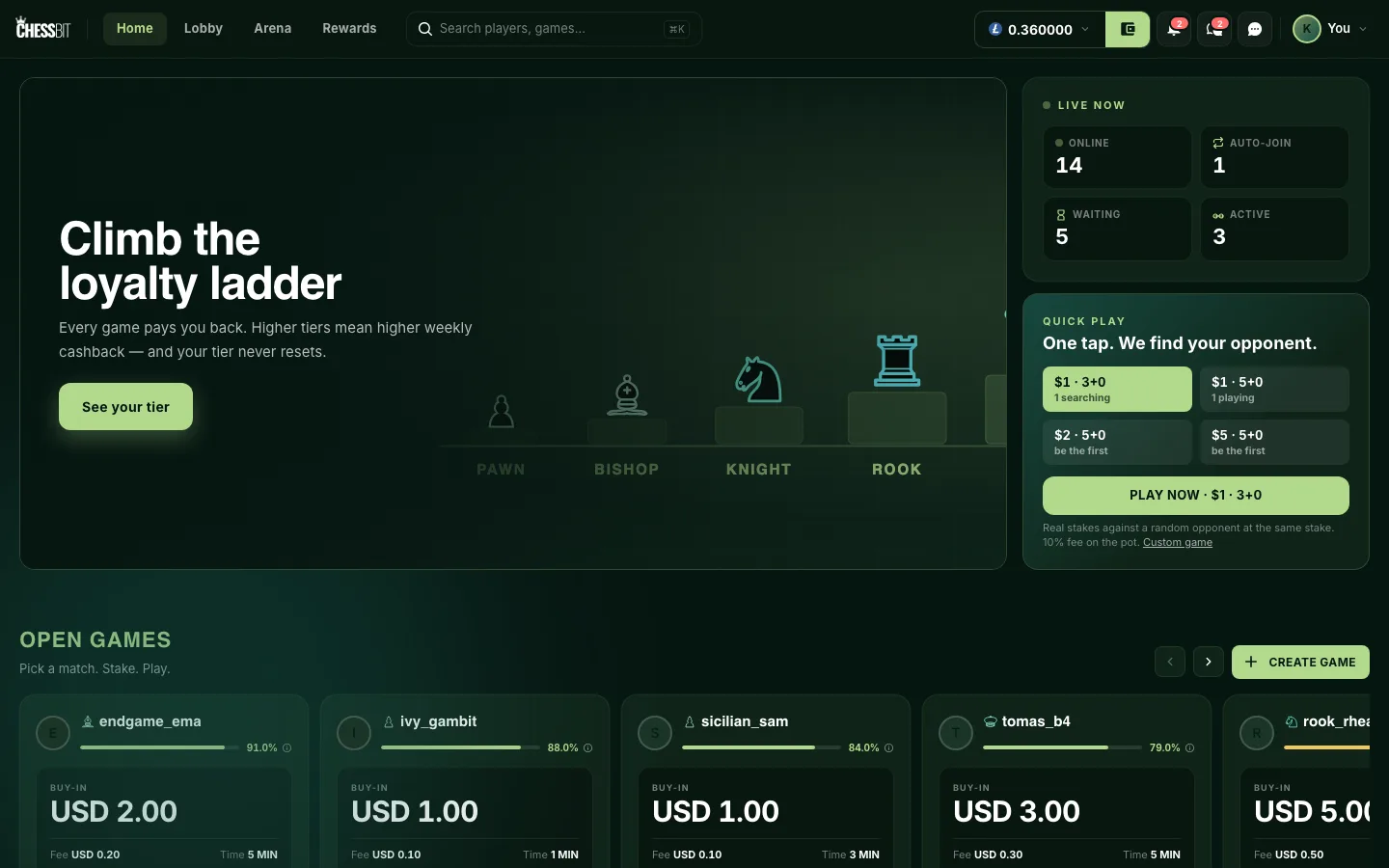
The Main Pages
| Page | What it's for |
|---|---|
| Home | Live counters, Quick Play, open games, tournaments, current campaigns, and recent results from players you follow. |
| Lobby | Every open game, with filters, plus Quick Play, Auto-Join and Create Game. See Finding a game in the lobby. |
| Arena | Tournaments: upcoming, live and completed events, and the ones you've joined. |
| Rewards | Your loyalty tier, weekly leaderboards, the referral program and current campaigns. |
The Top Bar
From left to right:
- Search players, games…: find a player by username and challenge them from the results. Your recent searches are remembered on your device.
- Balance: your balance in the selected coin. Click it to switch coins or open Withdraw.
- Wallet (the green button next to it): deposit and withdraw.
- Bell: notifications.
- Messages: your direct messages.
- Chat: the general chat.
- Your avatar opens the profile menu.
The Profile Menu
| Item | Opens |
|---|---|
| Profile | Your profile, stats and connected chess accounts |
| Loyalty | Your loyalty tier, all tiers and your cashback history |
| Affiliate | Your referral link and earnings |
| Wallet / Transactions | Balances, deposits, withdrawals and bonus history |
| History | Your past games |
| Account activity | Logins, games, deposits, withdrawals and account actions |
| Settings | Gameplay, sounds, privacy & notifications and 2FA |
| Help center | This help centre |
| Send feedback | Tell us what to fix or build |
| Log out |
On Your Phone
ChessBit is built for phones too. The top bar shrinks to your balance, wallet, notifications, messages and avatar, and a bottom bar holds Home, Lobby, Arena, Rewards, DMs, Search and Chat. During a game, the moves, chat and game buttons move into a sheet under the board.
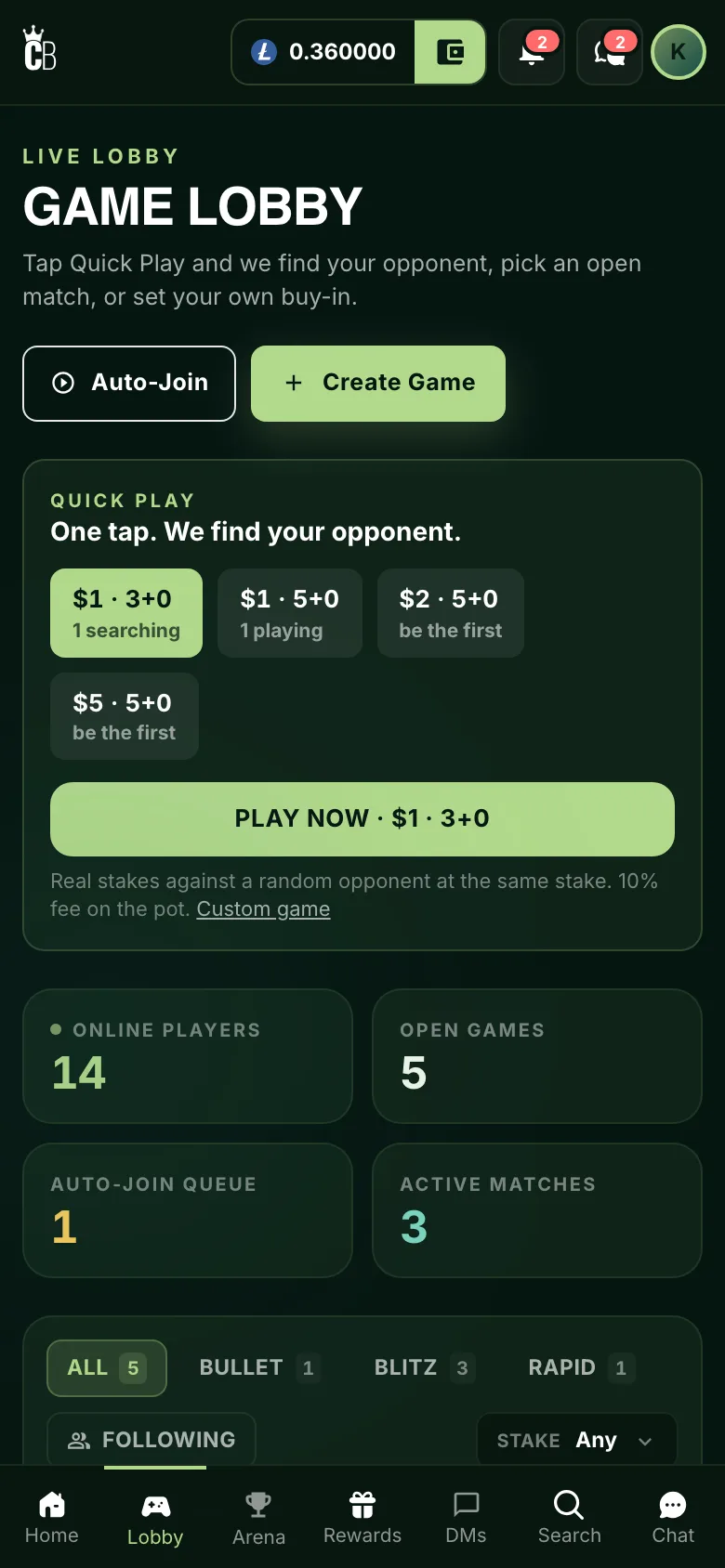
You can add ChessBit to your home screen from your browser's menu (Add to Home Screen) to open it like an app.
When You See "The lobby is closed"
Play is sometimes paused, for example outside scheduled sessions before the public opening, or during maintenance. You'll see The lobby is closed instead of the game pages. Your wallet (withdrawals and deposit history), verification, profile, settings and affiliate pages keep working, and any game already in progress continues. Session times are announced on Discord and X.